


Lessons should play automatically once the lesson link from the MBS Survey eLearning website is selected. If not select the Play  icon.
icon.
A bottom toolbar is available, if it is not visible mouse over the bottom of the lesson window for it to appear:

Toolbar Controls
 Play/ Pause
 Mute/ Volume Control: All lessons have audio, which should play immediately the lesson is started. If the audio does not play, check your main computer audio settings.
 Scroll bar and lesson time: Drag the timeline to the required lesson time.
 Captions: Off/ On. All lessons come with the audio captions displayed.
 Table of Contents:
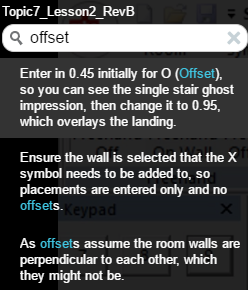
Select this to search in the caption text. Select the item you are interested in from the search window to move straight to that location in the lesson.
Playback speed:  Select the required playback speed from the drop down list. Default is ‘Normal’.